Tracking loss troubleshooting
Losing tracking a lot?
The Bigscreen Beyond has a flaw in the headset tracking diodes. Babble’s IR LEDs can overexpose those diodes and cause the headset to lose tracking. While this seems to mostly affect users with 1.0 base stations, it can affect 2.0 base stations as well. Not every headset has this issue, but many do. This page shares community-made fixes to reduce or eliminate the issue.
These fixes can help with tracking loss, but this is a headset hardware flaw. Open a ticket with Bigscreen to request replacement hardware. The most common fixes are a link box and cable replacement, especially if you are on Link Box v1.
1.2 tracking loss firmware
The fastest fix is to try flashing BabbleFirmware1.2_trackingLossFix.bin. Follow this video tutorial and select BabbleFirmware1.2_trackingLossFix.bin in the firmware drop-down. This firmware lowers IR LED brightness, so you may need to raise the brightness slider in the software.
3D-printed shield
This print blocks excess IR light from reaching the headset. It is a full back shell replacement; printing in PETG is recommended, but PLA will work. Download the 3D model on Printables.
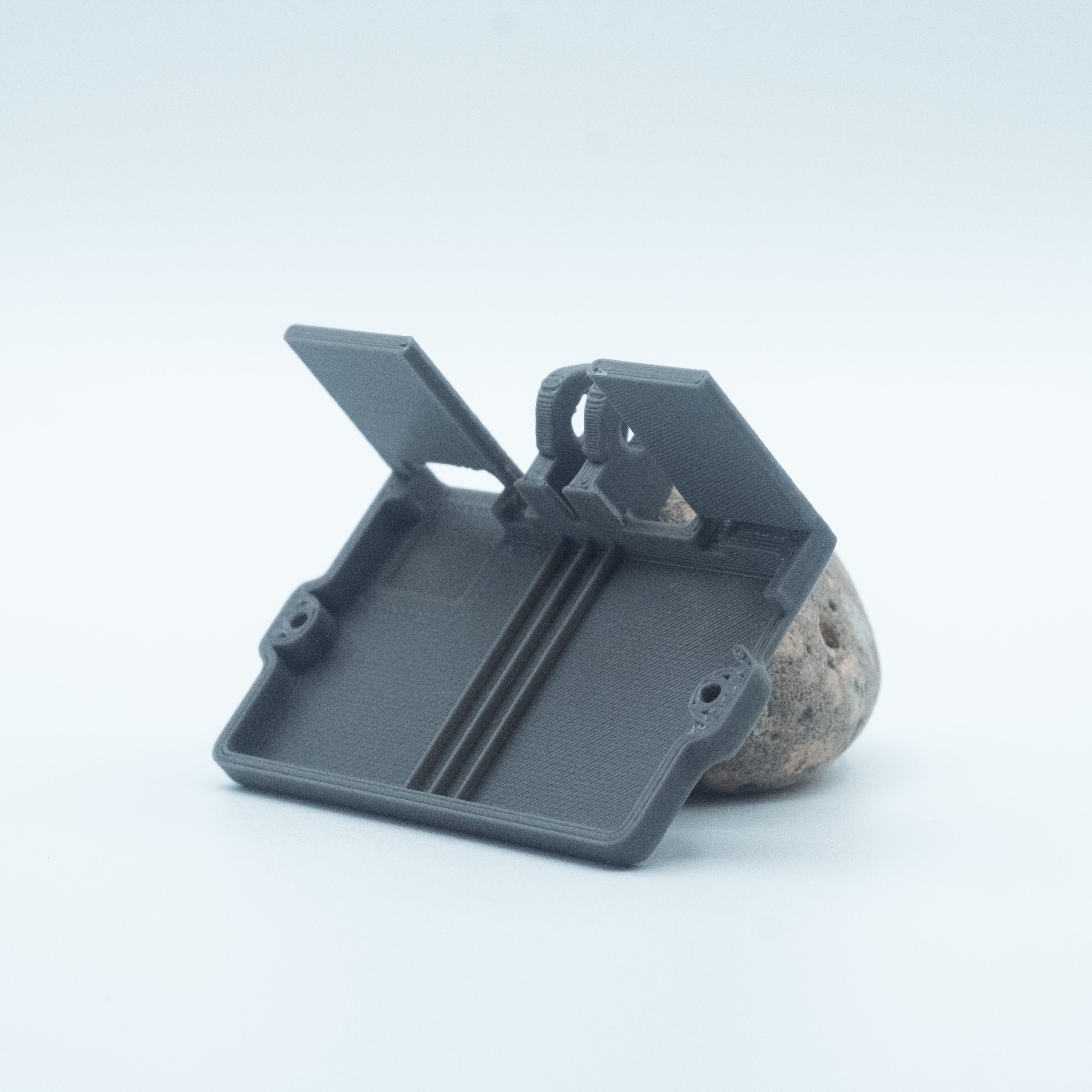
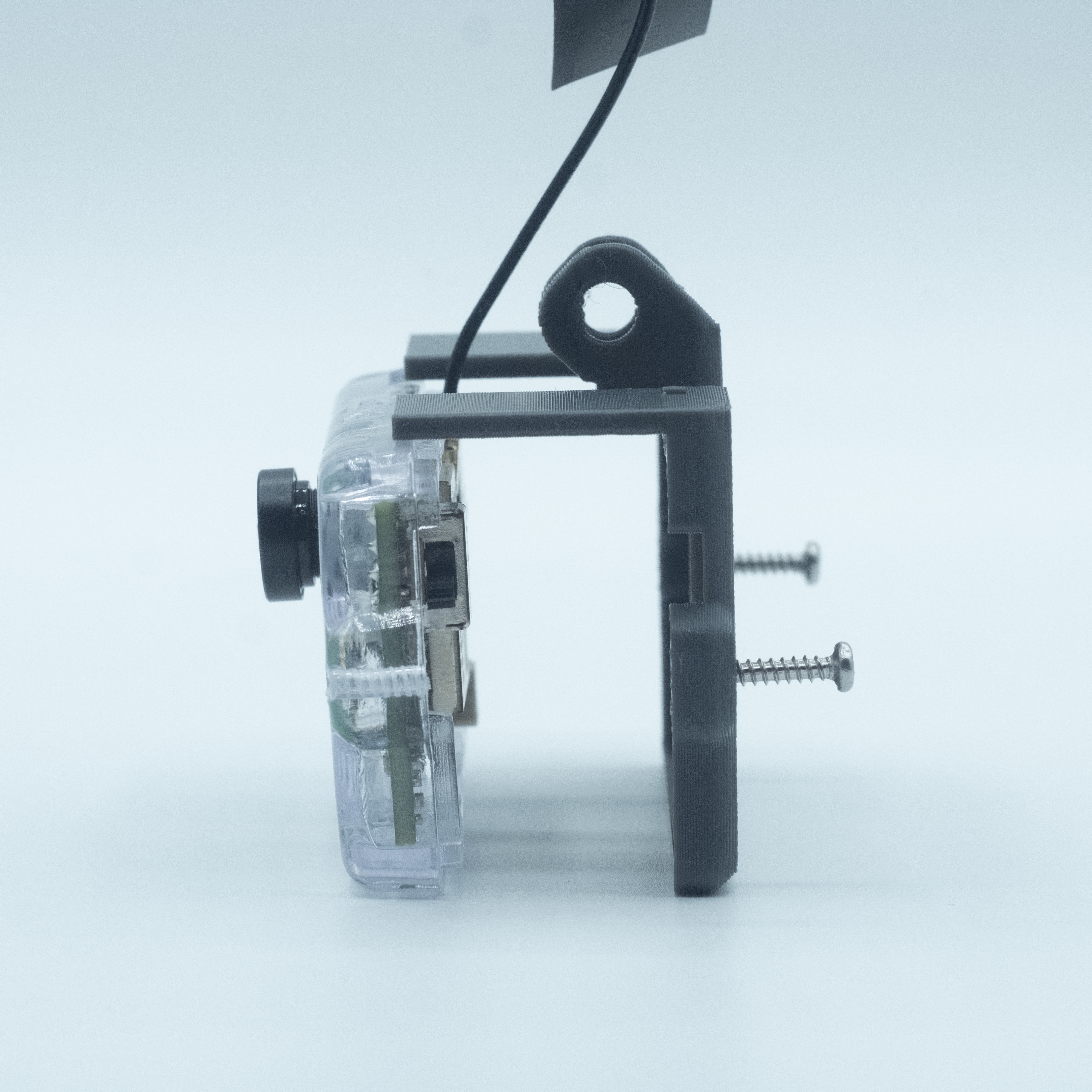
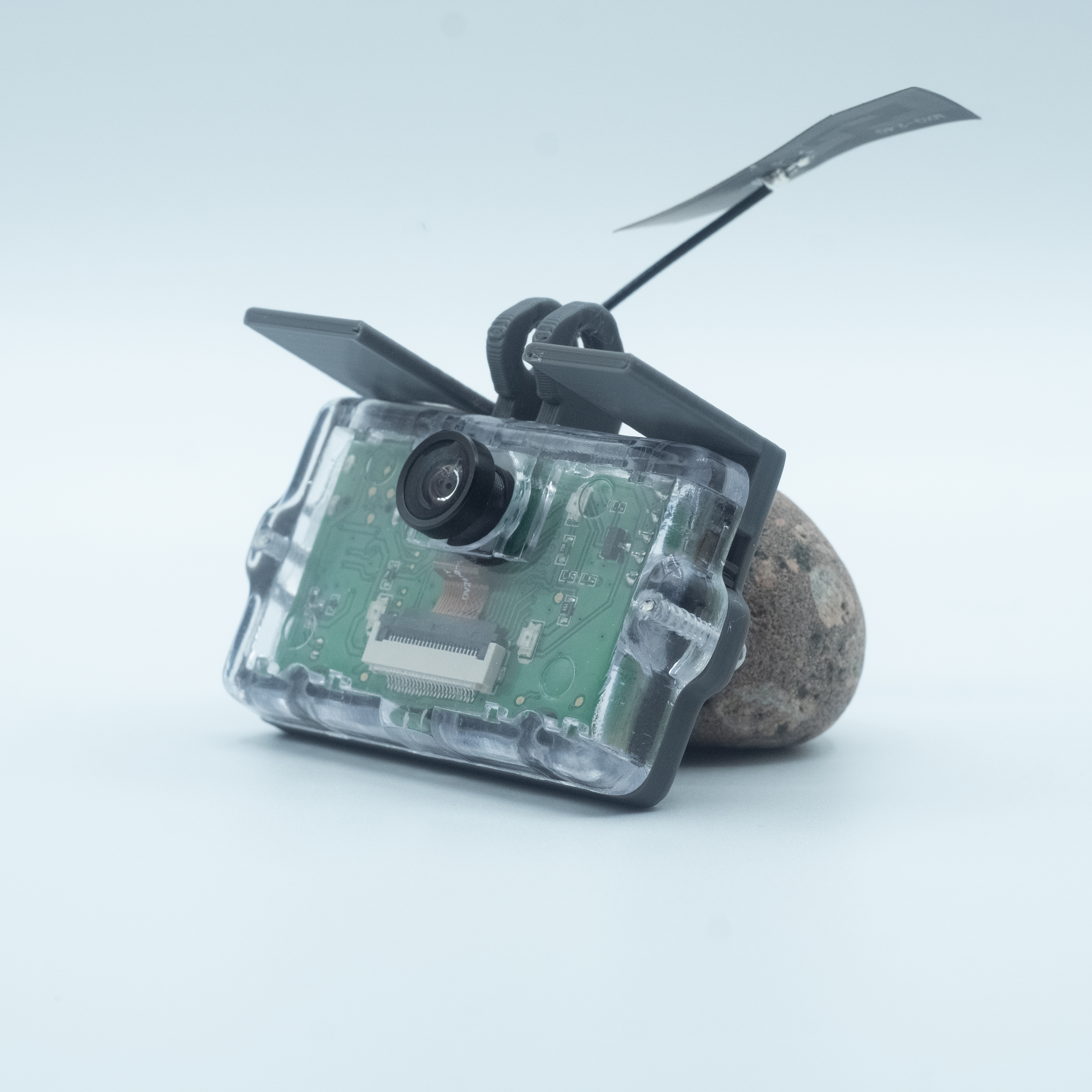
Just unscrew the original backplate and screw the 3D print in its place. While NOT recommended as a long-term fix, if you do not have a 3D printer, you can replicate a similar solution using electrical tape.
Power-related issues
Loss in tracking can also be related to power delivery issues. Check out our troubleshooting guide on power issues.