Baballonia
Expressions Tracked
Project Babble outputs a subset of Unified Expressions. You can read more about these expressions and their mappings here.
Tracked Expressions
| Expression |
|---|
| cheekPuffLeft |
| cheekPuffRight |
| cheekSuckLeft |
| cheekSuckRight |
| jawOpen |
| jawForward |
| jawLeft |
| jawRight |
| noseSneerLeft |
| noseSneerRight |
| mouthFunnel |
| mouthPucker |
| mouthLeft |
| mouthRight |
| mouthRollUpper |
| mouthRollLower |
| mouthShrugUpper |
| mouthShrugLower |
| mouthClose |
| mouthSmileLeft |
| mouthSmileRight |
| mouthFrownLeft |
| mouthFrownRight |
| mouthDimpleLeft |
| mouthDimpleRight |
| mouthUpperUpLeft |
| mouthUpperUpRight |
| mouthLowerDownLeft |
| mouthLowerDownRight |
| mouthPressLeft |
| mouthPressRight |
| mouthStretchLeft |
| mouthStretchRight |
| tongueOut |
| tongueUp |
| tongueDown |
| tongueLeft |
| tongueRight |
| tongueRoll |
| tongueBendDown |
| tongueCurlUp |
| tongueSquish |
| tongueFlat |
| tongueTwistLeft |
| tongueTwistRight |
Home
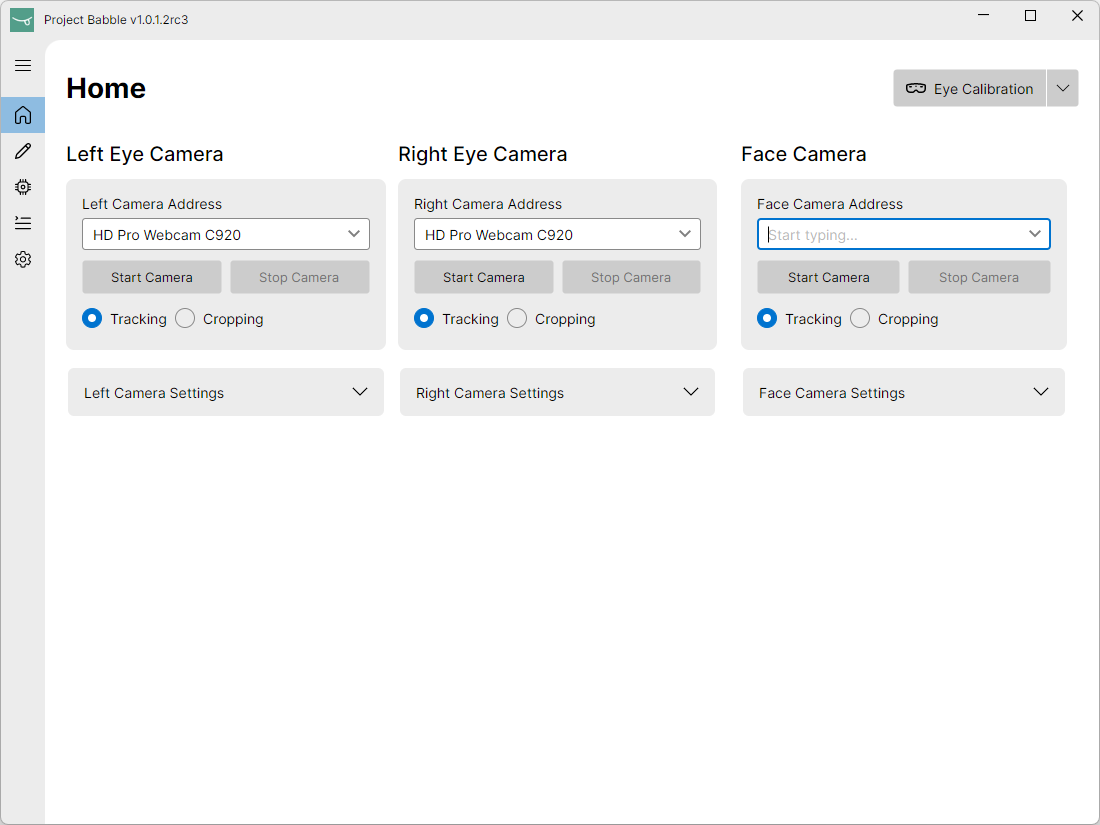
This is the main tab of Babballonia, you will use this page to select, modify, and enable your cameras.
In the top right is the Eye Calibration button. You will need to perform an eye calibration as a part the eye tracking first time setup.
Currently, there is only an Eye Calibration option available.
Calibration
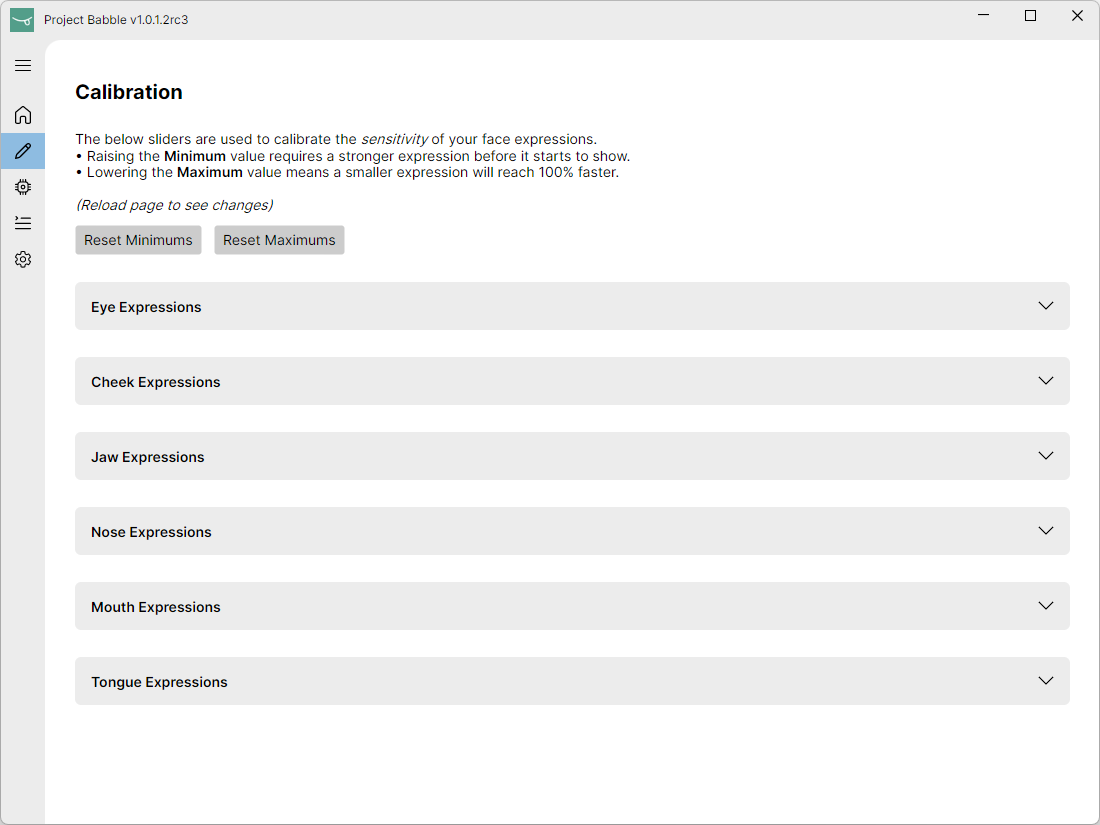
The calibration page is used to calibrate the sensitivity of your face expressions.
- Raising the Minimum value requires a stronger expression before it starts to show.
- Lowering the Maximum value means a smaller expression will reach 100% faster.
Firmware
This page can be used to configure your Babble tracker. We have entire page for this here.
VRChat/VRCFaceTracking Page
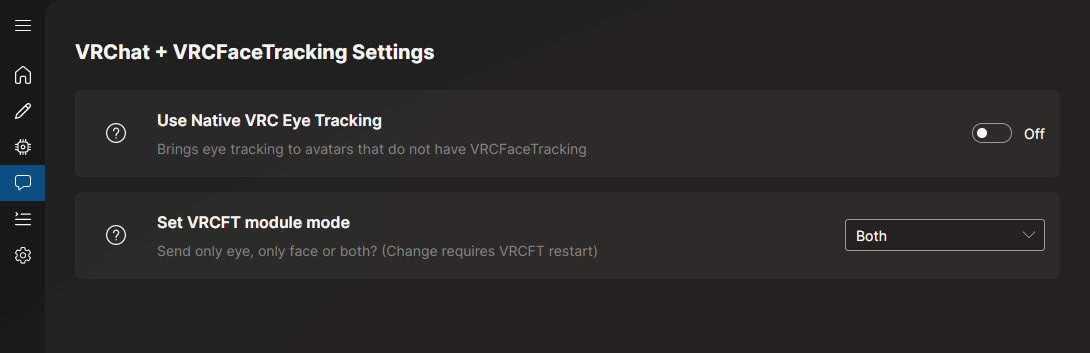
To use Baballonia with VRChat, you will need to use VRCFaceTracking with the VRCFT-Babble module.
- Download and install the latest version of VRCFaceTracking from Steam.
- Install the VRCFT-Babble module within VRCFaceTracking.
- Use Baballonia to set the module mode (eyes, face or both). Restart VRCFaceTracking to see your changes.
More information can be found on the VRCFT Docs.
Alternatively, Baballonia also supports VRC Native Eyelook. While this doesn't support lower face tracking, it supports (almost) all VRChat Avatars.
Output
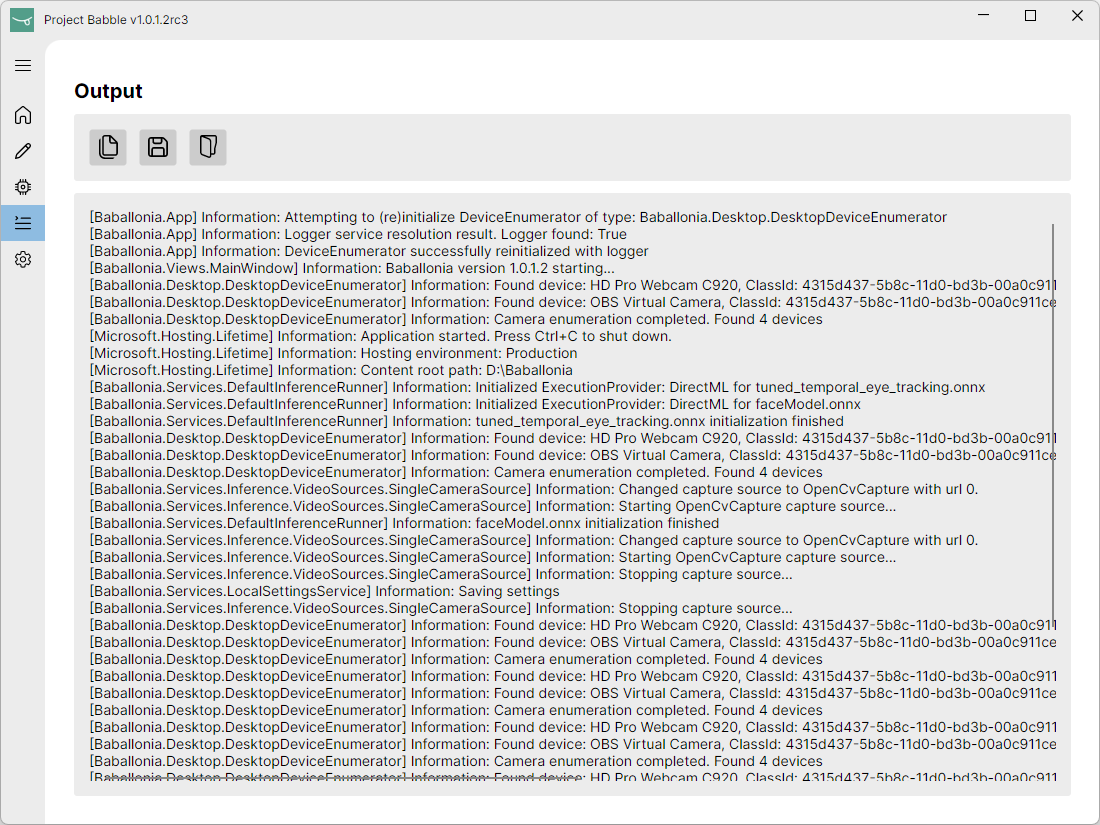
The output tab is a logger that can be used to discern the state of the device.
Settings
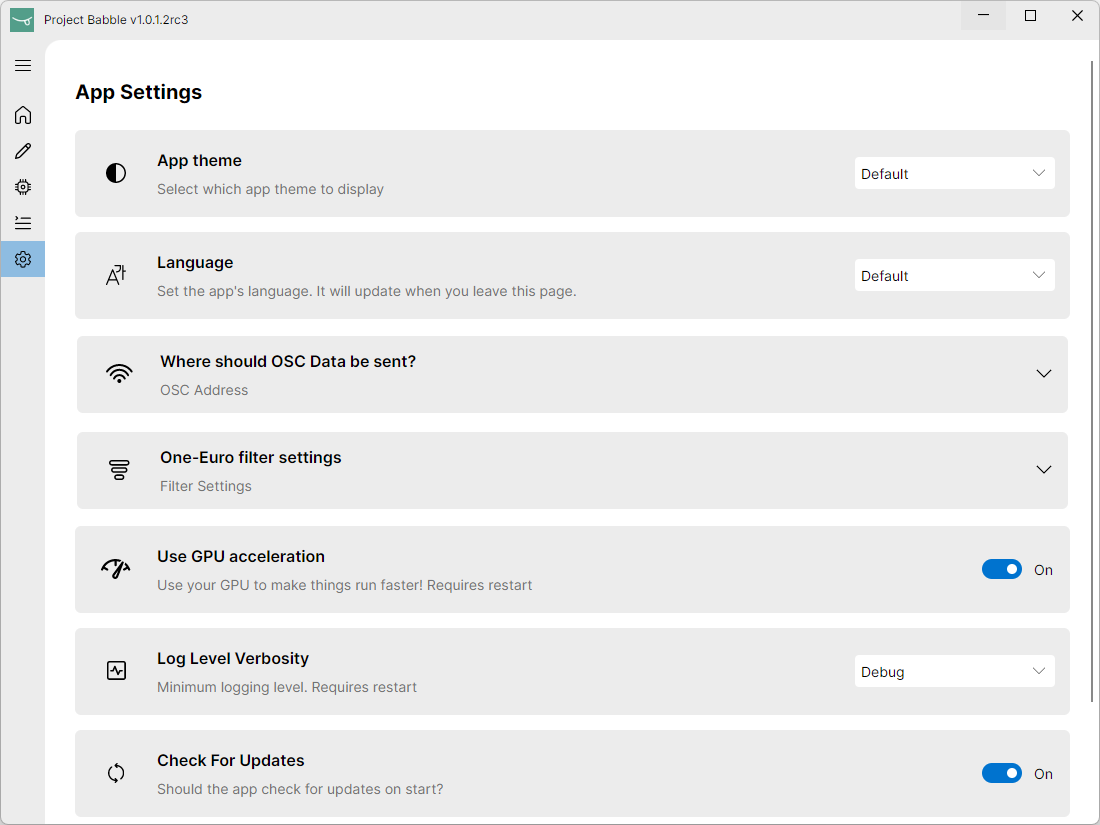
It's a settings page.